Discover how to find the perfect wireless all-in-one printer for your home or office. Learn key features, compare top models, and make a smart purchase today.
Choosing the right all-in-one printer is one of the most important decisions for anyone working from home or managing an office space. With so many options available, it's easy to feel overwhelmed by technical specifications and marketing claims. This comprehensive guide will help you navigate the printer landscape and find a device that truly meets your needs.
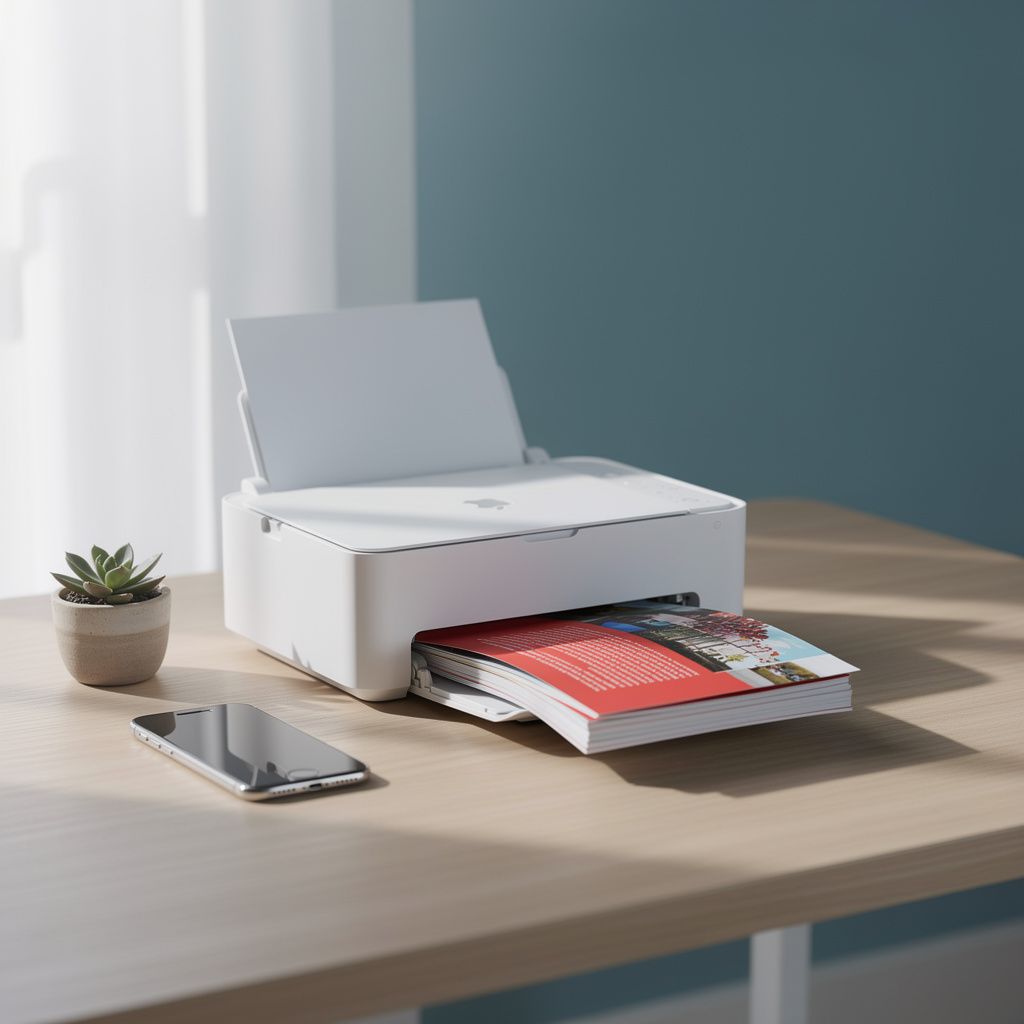
Understanding All-in-One Printers: Benefits and Limitations
All-in-one printers, also known as multifunction printers (MFPs), combine multiple office functions into a single device. These machines can print, scan, copy, and often fax documents, making them an excellent space-saving solution for home offices and small businesses.
Key Benefits:
- Space efficiency - consolidates multiple devices into one compact unit
- Cost savings - lower initial investment compared to buying separate devices
- Convenience - streamlined workflow with integrated functions
- Wireless connectivity - print from smartphones, tablets, and computers
- Reduced maintenance - one device to manage instead of multiple machines
Important Limitations:
- If one function breaks, the entire device may be out of service
- May not offer the same specialized features as dedicated devices
- Print quality might vary depending on the model and price point
- Scanning speeds can be slower than dedicated scanners
- Ongoing ink or toner costs can add up over time
Types of All-in-One Printers Available
Understanding the different printer technologies will help you choose the right device for your specific use case.
Inkjet All-in-One Printers
Inkjet printers are popular for home offices and small businesses. They excel at producing vibrant color documents and photos. These printers use liquid ink cartridges and are generally more affordable upfront. However, they can have higher per-page printing costs, especially for high-volume printing.
Laser All-in-One Printers
Laser printers are ideal for businesses with higher printing volumes. They produce crisp, professional black-and-white documents and offer faster print speeds. Laser printers have lower cost-per-page rates, making them economical for frequent printing. Color laser all-in-ones are available but typically cost more than inkjet models.
Photo-Focused All-in-One Printers
These specialized inkjet printers prioritize photo quality and color accuracy. They're perfect for photographers, creative professionals, and anyone who needs to print high-quality images regularly. They typically support wider paper sizes and specialty media.
Current Market Trends in Printer Technology
The printer industry continues to evolve with new technologies and consumer demands shaping the market.
Smart Printing Features: Modern all-in-one printers now include mobile printing capabilities, cloud connectivity, and voice-activated controls. You can print directly from your smartphone, tablet, or cloud storage services without needing a computer.
Eco-Conscious Design: Manufacturers are focusing on energy efficiency, reducing plastic waste, and offering cartridge recycling programs. Many new models use less power and produce less noise than previous generations.
Subscription Services: Some printer manufacturers offer ink subscription services that automatically deliver cartridges when you're running low, ensuring you never run out of supplies.
Security Features: As remote work becomes more common, printers now include enhanced security features to protect sensitive documents and prevent unauthorized access.
Essential Features to Evaluate
When comparing all-in-one printers, focus on these critical specifications:
Print Speed and Quality
Print speed is measured in pages per minute (PPM). For home use, 10-15 PPM is adequate. For small offices, aim for 20+ PPM. Resolution is measured in dots per inch (DPI); 1200 DPI is standard for document printing, while 4800+ DPI is better for photo printing.
Connectivity Options
Wireless connectivity (Wi-Fi) is essential for modern offices. Look for printers that support both 2.4GHz and 5GHz Wi-Fi bands. USB connections are useful as backup options, and some models offer Ethernet for network connectivity.
Paper Handling Capacity
Check the input tray capacity (how many sheets it holds) and whether it supports different paper sizes and types. Automatic document feeders (ADF) are valuable if you frequently scan or copy multi-page documents.
Operating Costs
Calculate the cost per page by dividing the cartridge cost by the page yield. This is crucial for budget-conscious buyers. High-capacity cartridges typically offer better value than standard cartridges.
Comparison Table: Popular All-in-One Printer Categories
| Printer Type | Best For | Print Speed | Cost Per Page | Color Quality |
|---|---|---|---|---|
| Inkjet All-in-One | Home offices, photo printing | 10-15 PPM | $0.08-$0.15 | Excellent |
| Laser All-in-One | High-volume document printing | 25-35 PPM | $0.02-$0.05 | Good (B&W) |
| Color Laser All-in-One | Marketing materials, presentations | 20-30 PPM | $0.05-$0.12 | Very Good |
| Photo Inkjet All-in-One | Photography, creative professionals | 8-12 PPM | $0.10-$0.20 | Outstanding |
Leading Printer Manufacturers and Their Innovations
Several companies dominate the all-in-one printer market, each with unique strengths:
HP: Known for reliability and extensive driver support across operating systems. Their wireless printing technology is industry-leading, and they offer a wide range of models for different budgets.
Canon: Excels in photo quality and color accuracy. Their PIXMA series is popular among home users and photographers. Canon printers are known for user-friendly interfaces.
Epson: Specializes in photo and specialty printing with excellent color reproduction. Their EcoTank technology offers high-capacity cartridges that reduce waste and lower printing costs.
Brother: Focuses on reliable, no-frills laser printing for small businesses. Their printers are known for durability and low cost-per-page operation.
Step-by-Step Selection Checklist
Use this checklist to evaluate printers systematically:
- ☐ Determine your primary use (documents, photos, or mixed)
- ☐ Calculate your monthly printing volume
- ☐ Set a realistic budget including cartridge costs
- ☐ Check wireless connectivity compatibility with your devices
- ☐ Review print speed requirements for your workflow
- ☐ Verify paper size and type compatibility
- ☐ Compare cost-per-page across models
- ☐ Read user reviews for reliability feedback
- ☐ Check warranty and support options
- ☐ Verify driver availability for your operating system
Expert Tips for Maximizing Your Printer Investment
Tip 1: Invest in High-Capacity Cartridges - While they cost more upfront, high-capacity cartridges significantly reduce your per-page printing costs over time.
Tip 2: Maintain Regular Cleaning - Clean your printer's rollers and printheads regularly to ensure optimal performance and longevity.
Tip 3: Use Quality Paper - The type of paper you use affects both print quality and printer longevity. Invest in quality paper for important documents.
Tip 4: Enable Sleep Mode - Configure your printer to enter sleep mode when not in use to reduce energy consumption and extend the device's lifespan.
Tip 5: Monitor Cartridge Levels - Keep track of cartridge levels and order replacements before running out to avoid printing delays.
Tip 6: Leverage Mobile Printing - Take full advantage of mobile printing features to increase productivity and convenience in your workflow.
Frequently Asked Questions About All-in-One Printers
What's the difference between inkjet and laser printers?
Inkjet printers use liquid ink and are better for color and photo printing, while laser printers use toner powder and excel at fast, high-volume document printing with lower per-page costs.
How much should I budget for cartridge replacements?
Budget approximately 15-20% of your printer's purchase price annually for cartridge replacements, depending on your printing volume and the model you choose.
Can I use third-party cartridges to save money?
Yes, third-party cartridges can save money, but they may void your warranty and potentially affect print quality. Research compatibility carefully before purchasing.
What wireless printing options are available?
Most modern printers support Wi-Fi Direct, cloud printing, mobile apps, and AirPrint (for Apple devices). Some also support Bluetooth and NFC for direct device connections.
How often should I perform maintenance on my printer?
Clean your printer monthly, run cleaning cycles every few months, and replace cartridges as needed. Refer to your manufacturer's guidelines for specific maintenance schedules.
What's the average lifespan of an all-in-one printer?
With proper maintenance, most all-in-one printers last 5-7 years. Some high-quality models may last longer, while budget models might need replacement sooner.
Conclusion: Making Your Smart Printer Choice
Selecting the right all-in-one printer doesn't have to be complicated. By understanding your specific needs, evaluating key features, and comparing different models, you can find a device that enhances your productivity and provides excellent value. Whether you prioritize photo quality, document speed, or cost-efficiency, there's a perfect all-in-one printer waiting for you. Take time to research, read reviews, and consider your long-term printing needs before making your decision. The right printer investment will serve you well for years to come.