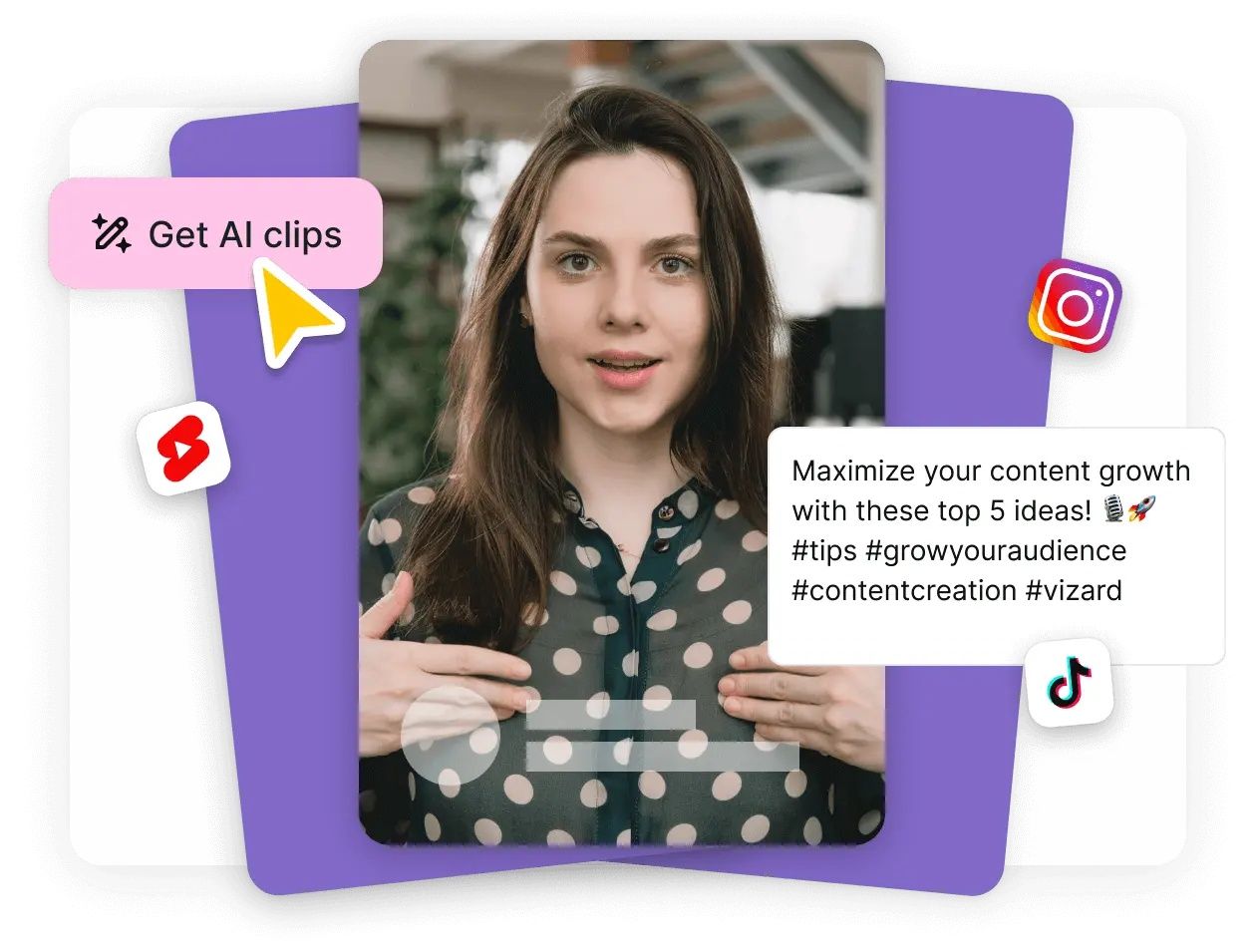
Video generator AI tools can turn written prompts, images, scripts, or existing footage into video content, helping creators produce visual material with fewer traditional production steps.
What once required cameras, actors, editing software, animation skills, and extensive production time can now be supported by AI-powered workflows. This does not mean traditional video production is disappearing. Instead, AI is becoming another tool that creators, marketers, educators, businesses, and media professionals can use to develop and refine video content.
From AI video generation and text-to-video technology to automated editing, voice generation, avatars, and visual effects, this technology is expanding the possibilities for digital content creation.
What Is Video Generator AI?
Video generator AI refers to artificial intelligence technology that can create or transform video content based on user instructions or source material.
Depending on the platform, users may be able to provide:
- Text prompts
- Written scripts
- Images
- Existing videos
- Audio
- Storyboards
- Product information
- Character descriptions
The AI system then generates or assembles visual content according to the provided instructions.
Some platforms focus on generating short visual sequences, while others support longer production workflows involving narration, avatars, editing, captions, and music.
How Does AI Video Generation Work?
AI video generation generally relies on machine-learning models trained to understand relationships between text, images, motion, sound, and visual composition.
A simplified workflow looks like this:
Prompt → AI interpretation → Visual generation → Motion → Audio or voice → Editing → Final video
For example, a creator could describe a scene such as:
"A modern city street at sunset with pedestrians walking past illuminated storefronts."
The system interprets the description and generates visual content matching the requested concept.
The exact technology varies between platforms, and results depend heavily on the model, prompt quality, source material, and selected settings.
Text-to-Video AI
Text-to-video is one of the most recognizable applications of generative AI for video.
Instead of recording every scene manually, creators can describe what they want to see.
Text-to-video tools can be useful for:
- Concept visualization
- Social media content
- Marketing videos
- Educational material
- Short-form storytelling
- Product concepts
- Creative experiments
- Video advertisements
The technology can also help creators visualize ideas before investing in conventional production.
Image-to-Video AI
Image-to-video technology uses an existing image as a starting point and generates motion around it.
For example, a creator might provide an illustration of a character and ask the AI to create a short animated sequence.
Possible applications include:
- Animated photographs
- Product visuals
- Character animation
- Social media clips
- Digital storytelling
- Presentation backgrounds
- Creative advertisements
Image-to-video workflows can be particularly useful when maintaining a particular visual style is more important than generating everything from scratch.
AI Video Avatars
AI avatars can create videos featuring digitally generated presenters or virtual characters.
These systems may combine:
- AI-generated characters
- Synthetic voices
- Lip synchronization
- Script generation
- Translation
- Automated backgrounds
Businesses and educators can use avatar-based video for training material, explanations, internal communications, and localized content.
However, creators should ensure that avatar likenesses, voices, and other identities are used appropriately and with the necessary permissions.
AI Voice Generation for Videos
Video generation increasingly overlaps with AI voice technology.
A creator can generate narration from a written script rather than recording every line manually.
AI voice tools may provide:
- Multiple languages
- Different speaking styles
- Adjustable pacing
- Voice customization
- Automated narration
- Subtitle synchronization
For professional content, creators should review pronunciation, tone, pacing, and factual accuracy before publishing.
AI Video Editing
AI is not limited to generating new footage.
Artificial intelligence can also assist with traditional editing tasks.
Potential capabilities include:
- Automatic scene detection
- Caption generation
- Background removal
- Audio cleanup
- Object tracking
- Video resizing
- Highlight extraction
- Noise reduction
- Color adjustments
- Content repurposing
These features can reduce repetitive editing work and allow creators to spend more time on storytelling and creative decisions.
How AI Is Changing Video Production
AI is affecting several stages of the production process.
1. Pre-Production
AI can help with:
- Brainstorming concepts
- Script development
- Storyboards
- Shot planning
- Character ideas
- Visual references
This can make early-stage experimentation faster.
2. Production
Generative tools can create visual sequences, backgrounds, characters, and other assets without requiring traditional filming for every scene.
3. Post-Production
AI can automate or accelerate editing tasks such as captioning, audio cleanup, object removal, and video formatting.
4. Distribution
AI can help adapt a video into different formats for platforms with different aspect ratios and audience requirements.
For example, one long-form video might be repurposed into several shorter vertical clips.
Benefits of AI Video Generation
Faster Content Development
AI can accelerate the process of turning an idea into a visual concept.
Lower Production Barriers
People without extensive filmmaking or animation experience can experiment with video creation.
More Creative Experimentation
Creators can test different visual concepts quickly.
Content Personalization
AI can help generate variations for different audiences, languages, formats, or campaigns.
Easier Video Repurposing
Existing content can potentially be transformed into multiple formats.
Global Content Creation
AI translation, narration, and subtitles can help creators reach audiences in different languages.
AI Video Generation for Marketing
Marketing teams are increasingly interested in AI video tools because video has become an important format for digital communication.
Potential applications include:
- Social media advertisements
- Product demonstrations
- Brand storytelling
- Explainer videos
- Promotional videos
- Email marketing content
- Landing-page videos
- Short-form social content
- Personalized campaigns
AI can help marketers produce more variations of creative content, but human review remains important for brand consistency, accuracy, and compliance.
AI Video for Social Media
Short-form video platforms have created strong demand for frequent content.
AI can assist creators with:
- Video concepts
- Hooks
- Scripts
- Captions
- Visual generation
- Voiceovers
- Background music
- Resizing
- Repurposing
A creator can potentially move from an idea to a draft video much faster than with a completely manual workflow.
However, speed alone does not guarantee engagement. Strong storytelling, relevance, originality, and audience understanding remain important.
AI Video for Education
Educational organizations and individual educators can use AI video tools to create visual explanations.
Potential applications include:
- Online courses
- Training videos
- Tutorials
- Language learning
- Educational presentations
- Animated explanations
- Instructional content
AI-generated visuals can make abstract concepts easier to demonstrate.
Human educators should still verify educational content, especially when videos include technical, scientific, financial, or other specialized information.
AI Video for Business
Businesses can use AI video generation for a range of internal and external communication needs.
Examples include:
- Employee training
- Product education
- Corporate presentations
- Internal announcements
- Customer tutorials
- Recruitment content
- Brand communications
- Sales presentations
The appropriate workflow depends on the organization's goals, audience, brand requirements, and privacy considerations.
AI Video and Advertising
Video advertising is another area where generative AI can influence production.
AI can help advertisers develop multiple creative concepts, test different messaging approaches, and adapt videos to different formats.
For example, a single campaign concept might be transformed into:
- Horizontal video
- Vertical video
- Square video
- Short-form clips
- Different language versions
Advertisers should still review generated content against applicable advertising policies and ensure that claims are accurate and substantiated.
What Makes a Good AI Video Prompt?
The quality of an AI-generated video can depend significantly on the instructions provided.
A useful prompt can describe:
Subject
What should appear in the video?
Environment
Where does the scene take place?
Action
What should happen?
Camera
Should the camera move, zoom, pan, or remain stationary?
Lighting
What lighting conditions should be used?
Style
Should the scene appear realistic, cinematic, animated, documentary-style, or illustrative?
Duration
How long should the generated sequence be?
A basic prompt might say:
"A dog running through a sunny park."
A more detailed prompt could specify the environment, camera movement, lighting, visual style, and action.
More detail can provide stronger creative direction, although overly complicated prompts can sometimes create inconsistent results.
Common Challenges With AI Video Generation
Despite rapid improvements, AI-generated video still has limitations.
Character Consistency
Characters can sometimes change appearance between scenes.
Motion Errors
Hands, facial expressions, objects, and complex movements may occasionally appear unnatural.
Text Rendering
Generated text inside images or videos can contain errors or inconsistencies.
Audio Quality
AI narration can sound unnatural in certain contexts, especially when emotional delivery is required.
Factual Accuracy
AI-generated scripts can contain inaccurate information if the source material is not verified.
Limited Creative Control
Traditional filmmaking still provides extremely precise control over actors, lighting, camera movement, locations, and physical props.
AI Video vs. Traditional Video Production
| Factor | AI Video Generation | Traditional Production |
|---|---|---|
| Concept development | Very fast | Often slower |
| Visual experimentation | High | Resource-intensive |
| Camera control | Model-dependent | Extensive |
| Physical locations | Often unnecessary | Usually required |
| Actors | Can be virtual | Usually required |
| Editing assistance | High | Mostly manual |
| Production control | Variable | High |
| Human involvement | Still important | Central |
| Best use | Rapid concepts and digital content | High-control professional production |
AI and traditional production do not have to compete.
A hybrid workflow can combine the strengths of both.
A Hybrid AI Video Workflow
A professional creator might use AI for selected stages while keeping important creative decisions under human control.
Step 1: Develop the Concept
Create the core story and objective.
Step 2: Write the Script
Use AI assistance if appropriate, then manually review the script.
Step 3: Create a Storyboard
Visualize the sequence before generating final scenes.
Step 4: Generate Visual Assets
Create backgrounds, characters, or scenes with AI.
Step 5: Edit the Footage
Combine generated content with traditional video where appropriate.
Step 6: Add Voice and Audio
Use professional narration or AI-generated voice where appropriate.
Step 7: Review
Check continuity, factual accuracy, branding, audio quality, and visual errors.
Step 8: Export for the Target Platform
Adapt the final video to the required resolution, duration, and aspect ratio.
Copyright and AI-Generated Video
Copyright is an important consideration for anyone using generative AI.
Creators should understand the terms of the AI platform they use and the rights associated with:
- Generated visuals
- Training data
- Uploaded images
- Music
- Voice recordings
- Logos
- Characters
- Third-party footage
Do not assume that everything generated by an AI system automatically gives you unrestricted rights.
If a project uses recognizable people, copyrighted characters, commercial music, trademarks, or third-party assets, additional legal considerations may apply.
Privacy and AI Video
Uploading personal photographs, confidential documents, customer information, or proprietary footage to an AI platform can create privacy concerns.
Before uploading sensitive material, review the platform's data policies and understand how submitted content is handled.
Businesses should establish clear internal rules for employees using generative AI tools.
The Future of AI Video Generation
AI video technology is likely to continue developing rapidly.
Future improvements may include:
- Better character consistency
- Longer generated sequences
- Improved physics
- More realistic movement
- Better audio synchronization
- Greater creative control
- Higher video resolution
- More precise camera direction
- Better editing automation
- More personalized content generation
As these systems improve, the distinction between generated and traditionally produced visual content may become increasingly difficult to identify.
At the same time, human creativity will remain important because technology can generate content, but creators still need to determine what story should be told, why it matters, and who should see it.
Tips for Using AI Video Generators Effectively
Start With Short Scenes
Short sequences can be easier to control than attempting to generate an entire production at once.
Maintain Character Descriptions
Use consistent descriptions for recurring characters.
Review Every Scene
AI-generated content should be inspected for visual artifacts and continuity problems.
Combine AI With Real Footage
Hybrid content can provide greater realism and creative control.
Use Human Editing
Don't publish generated footage without reviewing pacing, transitions, narration, and storytelling.
Keep Brand Guidelines Consistent
Colors, typography, tone, messaging, and visual identity should remain consistent throughout the project.
Final Thoughts
Video generator AI is changing how visual content is planned, produced, edited, and distributed. Text-to-video, image-to-video, AI avatars, synthetic voices, automated editing, and content repurposing are creating new possibilities for creators and businesses.
The biggest advantage may not simply be producing videos faster. AI can make experimentation more accessible, allowing individuals and organizations to test ideas that might previously have required substantial production resources.
However, AI-generated video still requires human judgment. Accuracy, storytelling, creative direction, copyright, privacy, brand consistency, and final quality all need careful attention.
The most effective approach is likely to combine AI automation with human creativity and editorial control. As the technology continues to develop, creators who learn how to integrate AI into thoughtful production workflows can use it as a powerful addition to their existing video creation toolkit.